

Website Design Checklist Before Launch: What to Review Before Going Live
Use this website design checklist to review strategy, UX, messaging, SEO, speed, tracking, and conversion setup before launch so your site is ready to perform.
READ TIME: 5 mins
Launching a website is exciting, but excitement can make it easy to miss the details that matter most.
A new website can look clean, modern, and professional on the surface, but still have problems hiding underneath. A broken form. A weak call-to-action. A slow mobile page. Missing SEO basics. A confusing message. Poor tracking. Any one of these issues can turn a strong launch into a missed opportunity.
That’s why a website launch should never be treated like a simple publish button.
Before your website goes live, it needs to be reviewed like a business asset. Not just visually, but strategically. A premium website should support your brand, guide visitors clearly, build trust, and create real opportunities for leads, bookings, sales, or inquiries.
For a deeper breakdown of how strategy, design, development, and performance fit together, review our Web Design Guide.
If you want a deeper breakdown, use the Premium Website Launch Checklist as a practical guide before you launch.
Start With Strategy Before You Review the Design
Most website problems start before the design ever begins.
A business wants a “nice website,” so the focus goes straight to colors, layouts, images, and page sections. Those things matter, but they should not come first. Before you judge how a website looks, you need to know what it is supposed to accomplish.
Every website should have a clear goal.
For a service business, that goal may be qualified inquiries. For a local business, it may be calls and appointment requests. For a consultant, it may be booked discovery calls. For an e-commerce brand, it may be sales and repeat customers.
Once that goal is clear, every major page should support it.
The homepage should help people understand the business quickly. Service pages should explain the value clearly. The About page should build confidence. Contact pages and forms should make the next step easy. A website that does not have a clear purpose often becomes a collection of nice-looking sections that fail to move people toward action.
That is the difference between basic web design and strategic web design.
A premium website is not just built to exist online. It is built to perform.
For a simpler breakdown of what web design actually includes, read What Is Web Design?
Review the User Experience Like a First-Time Visitor
You know your business better than anyone. That is an advantage, but it can also make your website harder to review objectively.
When you look at your own website, you already know where everything is. You know what your services mean. You know what your process looks like. Your visitors do not.
That is why user experience matters so much.
Before launch, review the website as if you are seeing it for the first time. Is the navigation easy to understand? Are the most important pages easy to find? Does the layout guide your eyes naturally? Can someone understand what you do without having to scroll endlessly or click through five different pages?
A strong website should feel simple from the visitor’s perspective.
This is especially important on mobile. Many potential customers will visit your site from their phone. If buttons are hard to tap, text is too small, sections feel cramped, or the page loads awkwardly, people may leave before they ever understand your offer.
A premium design should look polished, but it should also feel effortless to use.
Good design removes friction. Great design creates momentum.
For a broader view of how a website should support growth, the Web Design Guide explains how design, messaging, user flow, and conversion strategy work together.
Make Sure the Message Is Clear Above the Fold
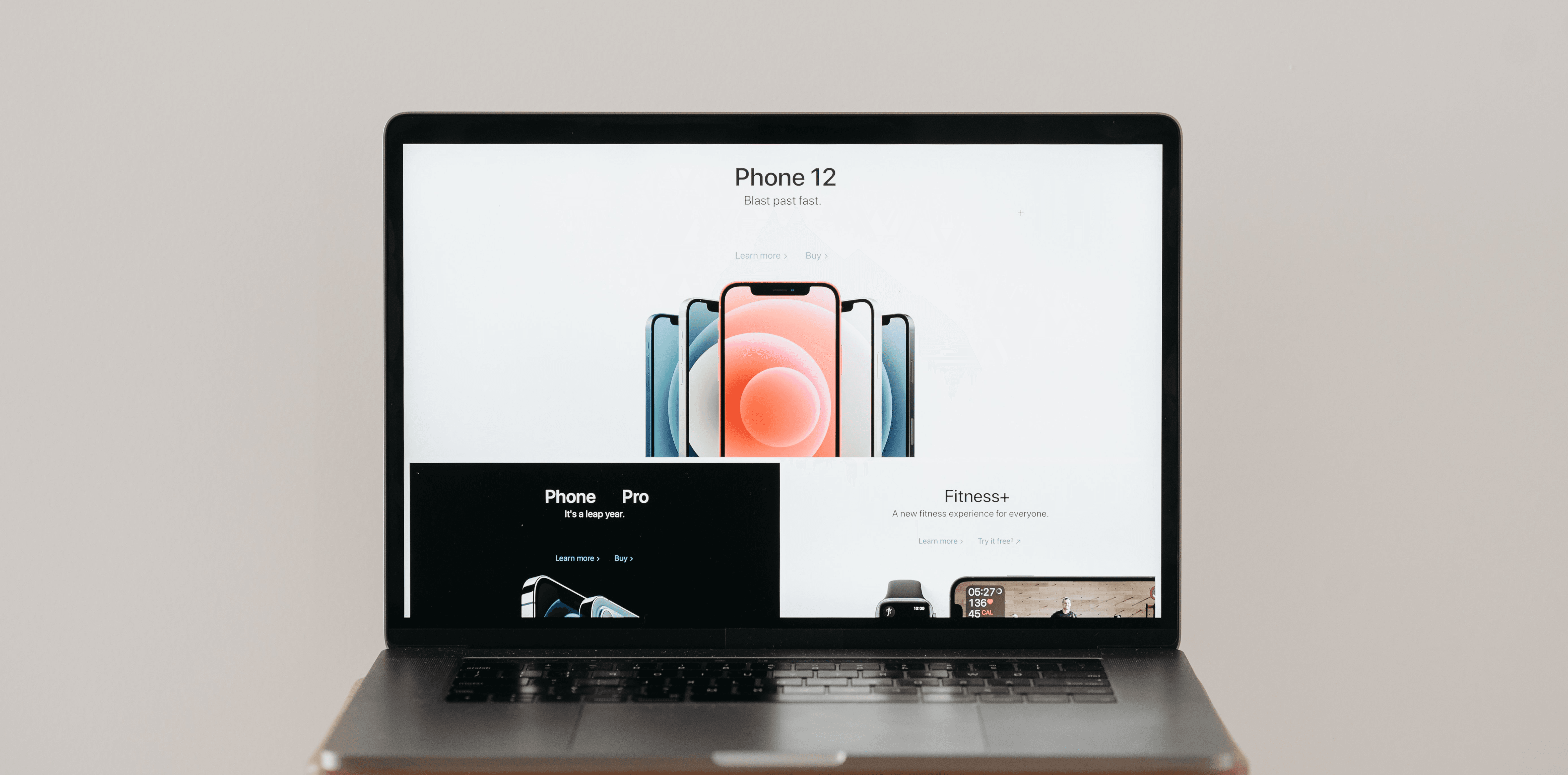
The first section of your website carries a lot of weight.
When someone lands on your homepage, they should quickly understand what you do, who you help, and why it matters. If your headline is vague, clever, or overly broad, visitors may not stick around long enough to figure it out.
This is one of the most common problems with small business websites.
In fact, this is one of the reasons most small business websites fail to convert even when they look professional.
The business owner wants the site to sound professional, so the messaging becomes generic. Phrases like “solutions for your success” or “helping businesses grow” may sound nice, but they do not say enough. A strong website headline should create clarity, not confusion.
Your website should answer the visitor’s silent questions:
What does this business do?
Is this for someone like me?
Can they solve the problem I have?
What should I do next?
Before launch, read every major page with those questions in mind. Remove placeholder text. Tighten vague sections. Make services easy to understand. Add FAQs where they help reduce hesitation. Make sure your calls-to-action are visible, specific, and direct.
The goal is not to overwhelm people with information.
The goal is to give them enough clarity to take the next step with confidence.
To understand how messaging, trust, and CTAs work together, read What Makes a High-Converting Website.
Build Trust Before Asking for Action
People do not take action just because a website looks good.
They take action when they believe the business is credible, capable, and worth contacting.
That is why trust signals are a major part of any website launch checklist. Testimonials, reviews, case studies, project examples, client feedback, professional images, and clear contact information all help reduce doubt.
Trust signals are especially important near decision points.
For example, if you have a call-to-action asking someone to request an audit, book a call, or submit a form, that area should not feel unsupported. Add proof nearby when possible. A short testimonial, a result, a case study link, or a simple statement about your process can make the next step feel less risky.
Your About page also matters more than many businesses realize.
A good About page is not just a biography. It should help people understand who they are dealing with, why your business exists, and why they can trust you. For service-based businesses, this can make a major difference.
Premium web design is not only about polish.
It is about confidence.
Test Every Conversion Path Before Launch
A website can have beautiful design, strong copy, and good traffic potential, but if the conversion path is broken, the site will still fail.
Before launch, test every action a visitor can take.
Submit the contact form. Click the phone number. Test email links. Try booking links. Make sure form submissions go to the right inbox or CRM. Confirm that thank-you pages or confirmation messages appear correctly. Check that the user is not left wondering whether the form worked.
This sounds basic, but it is one of the easiest things to miss.
You should also think beyond the form submission itself.
What happens after someone reaches out?
If there is no follow-up process, leads can go cold quickly. A simple 5-day follow-up sequence can help keep serious inquiries engaged, answer common objections, and move people closer to a conversation.
The website should not only capture interest.
It should support the sales process after that interest appears.
To understand how design influences leads and conversions, read What Makes a High-Converting Website.
Check the SEO Foundation Before You Go Live
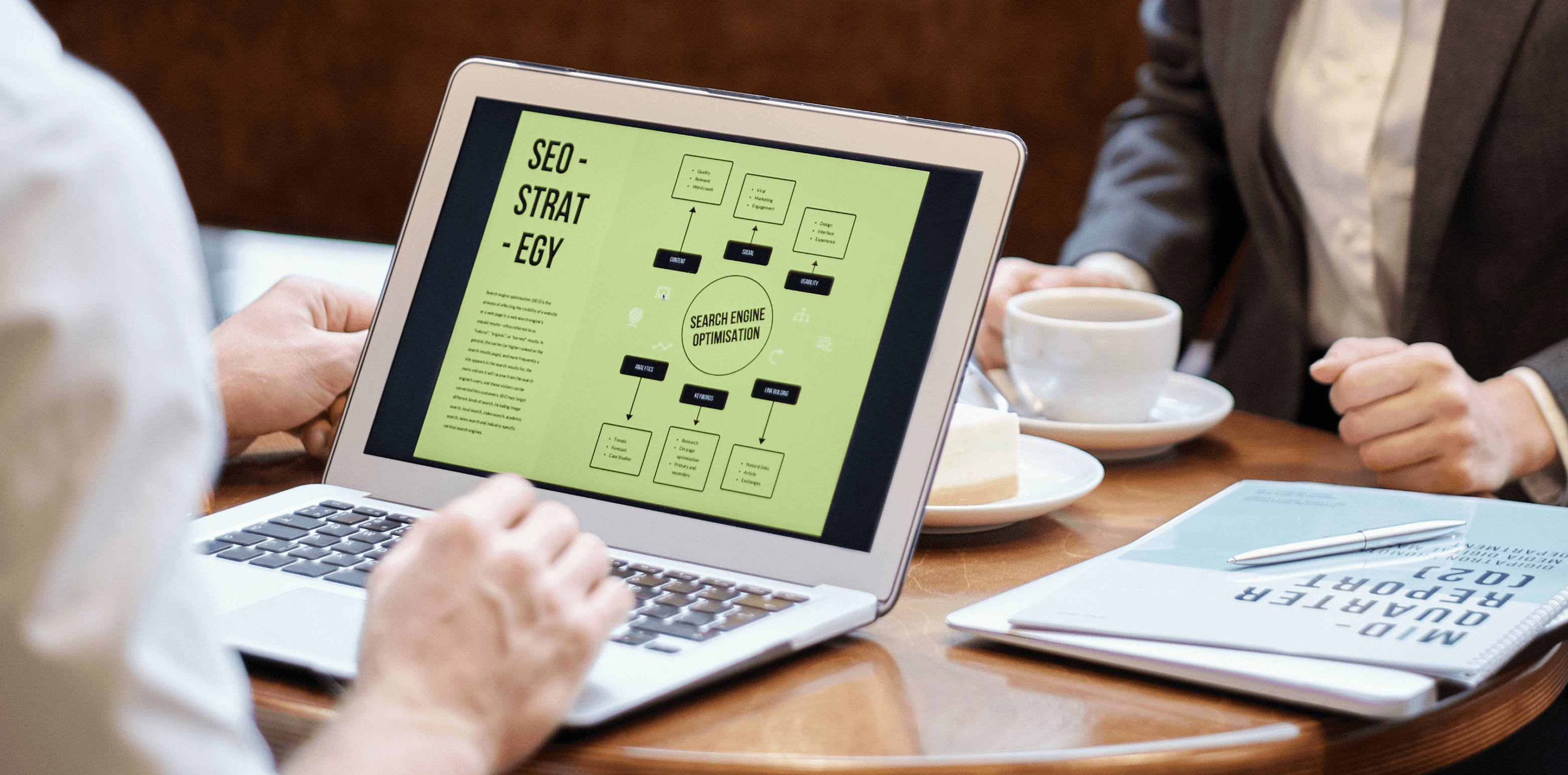
SEO does not begin after launch. It starts before launch.
Every important page should have a unique title tag and meta description. Each page should use one clear H1. Headings should be organized logically. Internal links should connect related service pages, guides, and articles. Important pages should be indexable. Your sitemap should be generated and submitted.
These basics matter because they help search engines understand your website.
They also help users.
Clear headings make pages easier to scan. Descriptive internal links help visitors discover related resources. Good page titles and meta descriptions improve how your website appears in search results.
SEO is not just a technical task. It is part of the overall website experience.
For example, a service page should not only target a keyword. It should answer the questions someone has before they contact you. It should explain the service clearly, show why it matters, build trust, and guide the visitor toward the next step.
A premium website is designed for both people and search engines.
Not one or the other.
The Web Design Guide goes deeper into why structure, speed, usability, and content all influence how well a website performs.
Do Not Ignore Speed and Performance
Slow websites cost businesses opportunities.
When a page takes too long to load, visitors lose patience. On mobile, that patience is even thinner. A website may look impressive in a design preview, but if it loads slowly in the real world, performance becomes a business problem.
Before launch, compress and optimize images. Remove unnecessary scripts or unused code. Test page speed on both mobile and desktop. Look for layout shifts, broken sections, missing images, and interactive elements that do not load correctly.
Core Web Vitals are worth reviewing where possible, but the practical question is simple:
Does the website feel fast and stable when a real person uses it?
Performance is part of user experience. It is also part of trust. A slow, clunky website can make a business feel less professional even if the visual design is strong.
Premium web design should feel smooth, fast, and reliable.
If performance issues continue after launch, ongoing website optimization can help improve speed, usability, and conversion over time.
Complete the Technical Launch Checks
Technical launch checks are not glamorous, but they protect the website from avoidable problems.
Make sure the website has an SSL certificate and loads properly using HTTPS. Test pages in major browsers. Check internal links and external links. Review 404 pages and redirects. If this is a redesign, make sure old URLs redirect properly to the correct new pages.
This is especially important for businesses replacing an older website.
A redesign can improve the brand and user experience, but poor redirect planning can hurt search visibility and create broken paths for users. If old pages had traffic or backlinks, those URLs need to be handled carefully.
You should also confirm that analytics and tracking scripts are installed correctly before launch. Backups should be in place. The site should be maintainable after launch, whether that means CMS access, a development workflow, or an ongoing support plan.
If you are planning a launch budget, review How Much Does Web Design Cost? to understand what influences the investment.
A premium launch is not rushed.
It is controlled.

Set Up Analytics Before You Need the Data
You cannot improve what you cannot measure.
Before your website goes live, set up analytics, Google Search Console, and conversion tracking. Track form submissions, calls, bookings, downloads, and key CTA clicks where possible. Identify the most important conversion goals before traffic starts coming in.
This gives you a baseline.
A baseline helps you understand what is working, what is underperforming, and where improvement should happen first. Without tracking, decisions become guesswork. With tracking, you can see which pages attract attention, which pages create leads, and where users may be dropping off.
Analytics do not need to be complicated at first.
You just need enough visibility to make better decisions.
The goal is not to stare at dashboards all day. The goal is to understand whether your website is supporting the business.
Review Security and Compliance
Security and compliance are easy to overlook during a website launch, but they matter.
Use secure hosting. Protect admin access with strong passwords. Enable two-factor authentication where possible. Keep software, frameworks, plugins, and CMS tools updated. If your website collects user information, add a privacy policy and make sure forms only collect information you actually need.
If you use cookies, tracking scripts, or marketing pixels, make sure your notices and policies match your legal requirements.
This is not about making the website feel complicated. It is about protecting both your business and your visitors.
Trust is not only created through testimonials and design.
It is also created through how responsibly your website handles information.
Treat Launch as the Starting Point
A website launch is not the finish line.
It is the beginning of the optimization process.
After launch, submit your sitemap to Google Search Console. Request indexing for important pages. Monitor analytics during the first week. Check for form errors, broken links, and unexpected issues. Review search performance once impressions begin appearing.
Over time, look for pages with traffic but low conversion. These pages often hold some of the biggest opportunities. The issue may be the headline, the CTA, the offer, the layout, the trust signals, or the follow-up path.
Small improvements compound.
Clearer messaging can improve engagement. Better CTAs can increase inquiries. Faster pages can reduce drop-off. Stronger trust signals can improve conversion. Better internal links can support SEO and keep users moving through the site.
A website should keep getting better after it launches.
That is what separates a static website from a growth asset.
If your current site needs more than small improvements, our web design services are built around strategy, performance, and conversion.
Final Thoughts: A Premium Website Is Built With Intention
A premium website is not defined by flashy animations, expensive visuals, or trendy layouts.
It is defined by intention.
Every section has a purpose. Every page supports a goal. Every call-to-action is placed with thought. Every technical detail supports usability, visibility, security, or measurement. The website looks professional, but more importantly, it works.
Before your website goes live, slow down long enough to review the details that can make or break performance.
If you are hiring help for the project, read How to Choose a Web Design Company in San Antonio before making a decision.
Check the strategy. Review the design. Tighten the message. Test the forms. Confirm the SEO basics. Measure the right actions. Protect the site. Watch what happens after launch.
Your website should not simply exist online.
It should guide visitors, build trust, and create real business opportunities.
If you want a second set of eyes before or after your launch, Request a Website Audit and make sure nothing is holding your website back.